Charlotte Uses ♥
One of the first places I stop when I visit someone's website is, if they have it, a /uses page. It's one of those things that satisfies my curiosity and maybe, just maybe, I will get an idea or two!
Computing
Operating System
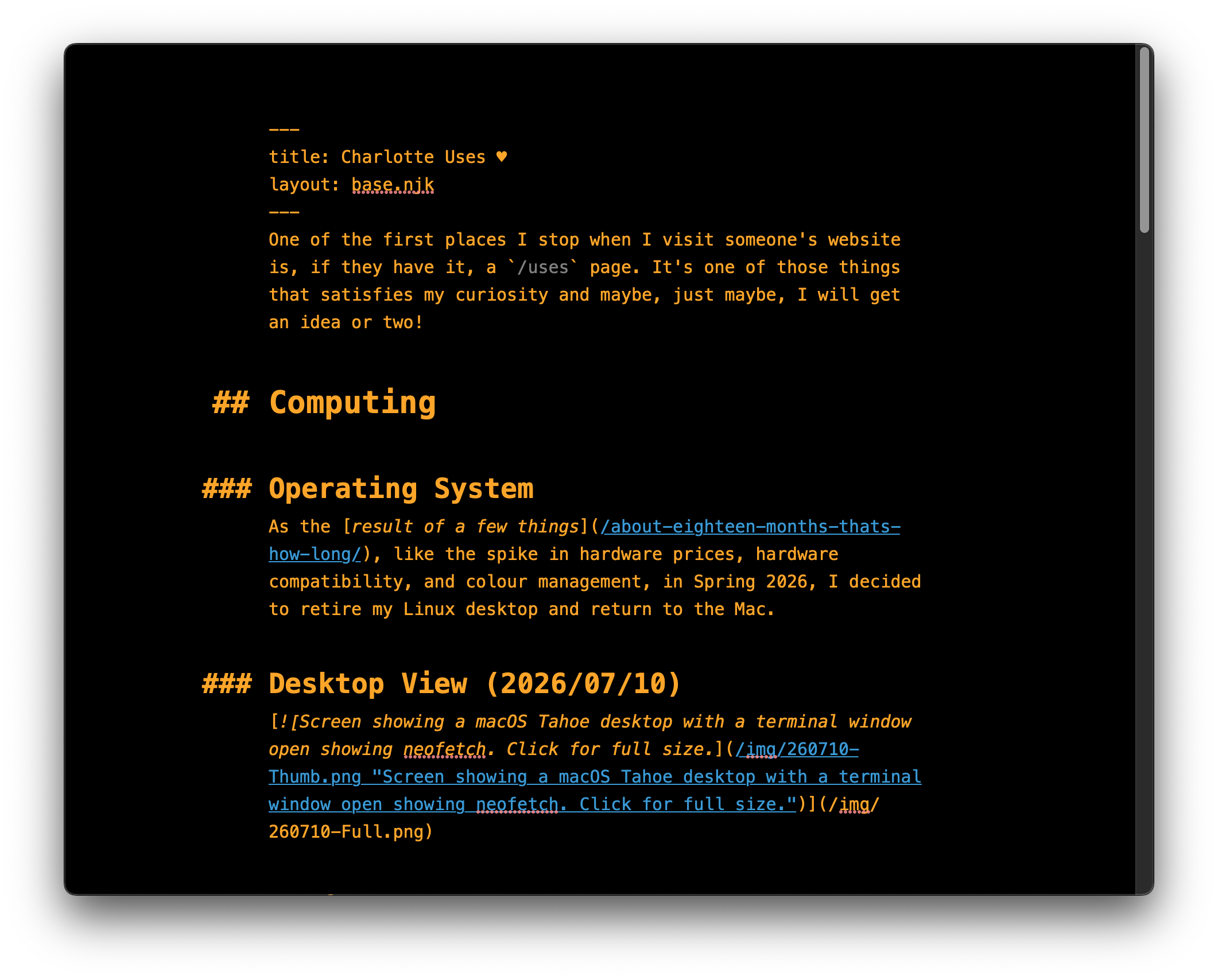
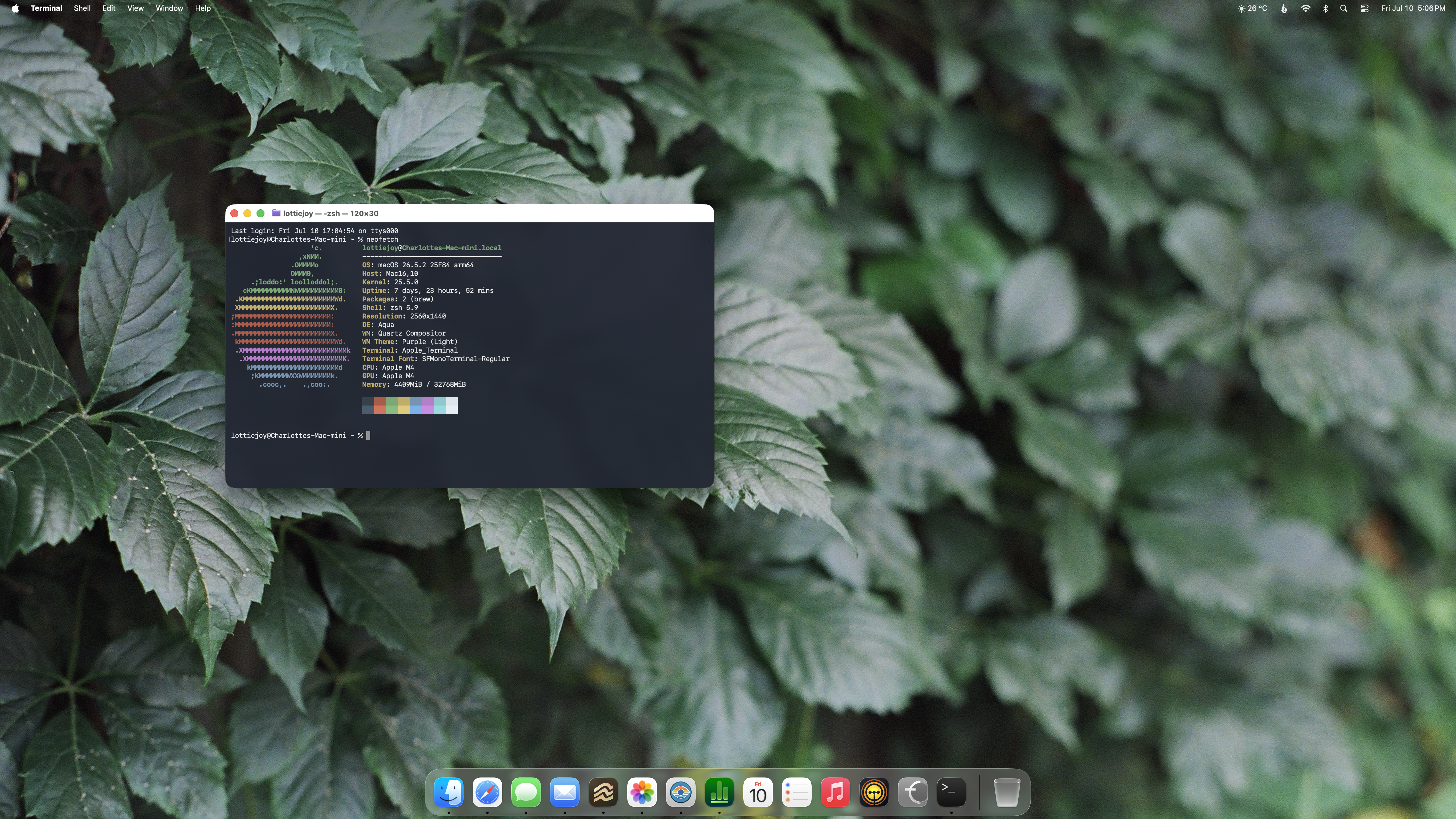
As I've sort of put in my footer section, I use Debian 13, with Gnome on Wayland, so mostly the default configuration.
But, I mean, unchanged defaults are not why I use Linux, so, at this moment, I Gnome has been made a little more homey with extensions like Dash to Panel, Media Label and Controls, and SimpleWeather.
Desktop View (2026/01/10)
(Wallpaper: After rain 2 by EienNoTaiyo [Sanel])
Hardware
When I waved goodbye to the Mac in 2024, I knew that I didn't need anything all that powerful, but I knew that I needed something that had at least a few possible upgrade paths. The perfect scenario for a boring off-lease second-hand desktop computer. Fortunately, we have a few suppliers around town that specialize in just such a thing!
So what is sitting on the little shelf beside my desk is a Dell Precision 3630 Tower with an Intel Core i5-8500 (yes, slower than the M1 it replaced) and 32GB of DDR4. The OS and /home are running on a 500GB SATA SSD, and I have all manner of drives plugged into it!
If it weren't for the recent dramatic and rapid price increases in various desktop components, my storage situation would be a little more well-considered. Had I only known six months ago...
I use one monitor: a 32" 4K Samsung that, while I love dearly, has helped to illustrate some of the challenges in fractional scaling. Its as-designed resolution of 3840x2160 is too small for my (*ahem*) aging eyes at 1x, but is too constrained at 2x. So I have it set to 1.5x and just tolerate the blurriness of the few programs I use that are.
Finally, I just retired my long-serving IBM Model M from 1993 and replaced it with a WOBKEY Crush 80 Reboot Pro (in purple, of course). What a heavy and wonderful-sounding dream of a keyboard to be typing on!
Default Applications
As for my default applications, where possible, I've stuck rather close to the GTK4/Adwaita apps available. But not always.
-
Terminal Emulator: Gnome Console. It's pretty, friendly, and my terminal needs are fairly basic since I do most of my computing in the desktop environment.
-
Web Browser: LibreWolf: A Firefox release with mostly-sensible privacy-respecting defaults (esp. where the unwanted AI stuff is concerned). I haven't been thrilled with the direction that Mozilla has been taking vis-à-vis stuffing AI into Firefox but I'm even less thrilled with the Chromium monopoly, so would at least keep using something Gecko-based. At least until something else comes along... (...like if Servo turns into something.)
-
Email: Thunderbird. Admittedly, the world of separate email applications is pretty dire in Gnome. On the other hand, I really dislike using web interfaces for email, Thunderbird works quite well for me and my very basic needs (send, receive email), so it's the default.
-
News (RSS): Newsboat. One of the few terminal apps I regularly use, I just love the way that Newsboat looks, feels, and works. Since the feeds I have in there are almost entirely text-based, it just makes sense to me. I also learned about it through a Veronica Explains video, which is super fun too!
-
Calendar: Gnome Calendar. It's pretty, works well for me, and integrates with my iCloud calendar so that Kathleen and I can maintain a family calendar, so it's what I use!
-
Text Editing: Apostrophe and Gnome Text Editor. Apostrophe is what I use for markdown editing (like this blog) and Gnome Text Editor is for the more codey bits, like CSS and HTML editing because of its highlighting. Again, my needs are fairly basic and I don't do any of these things on a deadline, so the powerful features other editors have aren't necessary for me!
-
Photo Editing and Organizing: Pinta and digiKam. I moved over to Pinta recently because I don't really edit photos in any major way, but sometimes I'd like to resize/prepare for web things (when the need is there), and it's a nice alternative to the GNU Image Manipulation Program. Most of my photo editing and organization is through digiKam, which is the replacement I had settled on for Apple Photos when I switched over the Linux last year. All of my film scans are catalogued, tagged, edited, and stored there.
-
Music: Recordbox and Shortwave. For a variety of reasons ranging from support for artists to not wanting anything to do with people whose political efforts are at odds with my living, I don't use any of the music streaming services and instead purchase my music digitally. Although part of my would love to return to the Winamp days (for the same reasons I love e16), I've chosen Recordbox for my music playing needs. Otherwise, when I do stream, it's radio stations through Shortwave. Mostly KEXP, which is super-delightful.
Mobile
As a sometimes anxious and indecisive lady, I spent nearly two years going back-and-forth as to whether I just wanted to go back to a flip phone for my mobile needs. In the end, I decided that it would be better to stick with a smart phone due to the features that I use.
As of November 2025, I use an iPhone 16. In Ultramarine, of course.
Photography
I returned to using film for all of my photo-making in 2020 and it turns out that, contrary to the sorts of advice generations were raised with, I'm rather omnivorous in what I use, and have not specialized in one camera/lens, one film, and one developer.
Cameras & Lenses
Like many people who returned to using film, I have a few many more cameras than I realistically need. Among them, I do have some favourites: in 35mm, a Nikkormat EL (with Nikon's pre-Ai lenses, c. 1960s-1977), a Minolta XG-1 (with Minolta's MC Rokkor lenses, c. 1960s-1970s), and a Pentax K2 (with early K-Mount lenses, c. 1975-80).
In 120, I mostly like to use a Mamiya C220 (with an 8cm f/2.8 lens, c. 1960s), a Fuji G690BL with a 100mm f/3.5 Fujinon-S, and a Konica Pearl III-MX, with its Konishiroku Hexar 75mm f/3.5 from the mid-1950s.
I have more modern 35mm cameras that I use (like a Nikon F80, Canon EOS Elan II, but they're not normally my first choices.
Film
Oh gosh, I like almost all film, but have special places in my heart for the following currently-made films:
- Black and White: Kodak Tri-X, T-Max 100, T-Max 400, Ilford FP4+, XP2 Super, ORWO UN54, Fuji Acros 100 II, Fomapan 200, Eastman Double-X (5222).
- Colour Negative: Kodak Gold, ColorPlus, Portra 160, Ektar, Vision3 250D.
- Colour Positive: Kodak Ektachrome E100.
Of course, I use (and like) many other films that are still made and there are many no longer made that I really wish would come back (like Fuji's colour negatives - especially Reala; Kodak's Panatomic-X and Plus-X, Fuji's original Acros, Kodachrome, etc.)
I also continue to have quite a little stash in the freezer of Fuji Velvia 50, Velvia 100, and Provia 100F, so at least they're available to me!
Developers
I started developing my own film in 2024, which meant entire new worlds of fiddly fun! A bit like films, there are developers that I quite like and gravitate toward and those I like, but don't always reach for them.
It's often enough that I like the results in matching a developer to a film.
- Black & White: Ilfotec DD-X, D-96, Legacy Pro Mic-X, HC-110.
- C-41: I've only used two kits: Flic's C-41 Pro (yay!) and their Eco Kit (boo!).
- E-6: I've only used one kit: Unicolor's Rapid E6 (yay!).
There are still others I've used, like Rodinal, Black, White, and Green, and ID-11, which I like, but don't really reach for often. I now have some FX-37, which I look forward to trying on my t-grain favourites!
Equipment
I've continued to be very basic in this regard. I use a two-reel Paterson tank for all of my development. It works very well for me and has seen me through hundreds of rolls of film developed without difficulties, leaks, or complaints.
Scanning
I have two scanners for my film: a Plustek 8200i that I use for 35mm film, and an Epson V600 that I use for 120 scans.
Although I would prefer to use them with good software in Linux, I have already paid for two SilverFast 9 licenses, so I do my scanning with that program in a Windows 11 VM on VirtualBox.
Since I don't really want anything to do with Microsoft or Oracle, I will be looking into VueScan as a possibility. While I understand why they do it, the giant watermark they use in the trial version makes it hard for me to determine if it is producing scans as I would like them.
The Epson software for Linux seems to be a little too basic for producing the sorts of film scans I am looking for, unfortunately.